Introduction to Drupal and Planning a Modern Drupal Upgrade
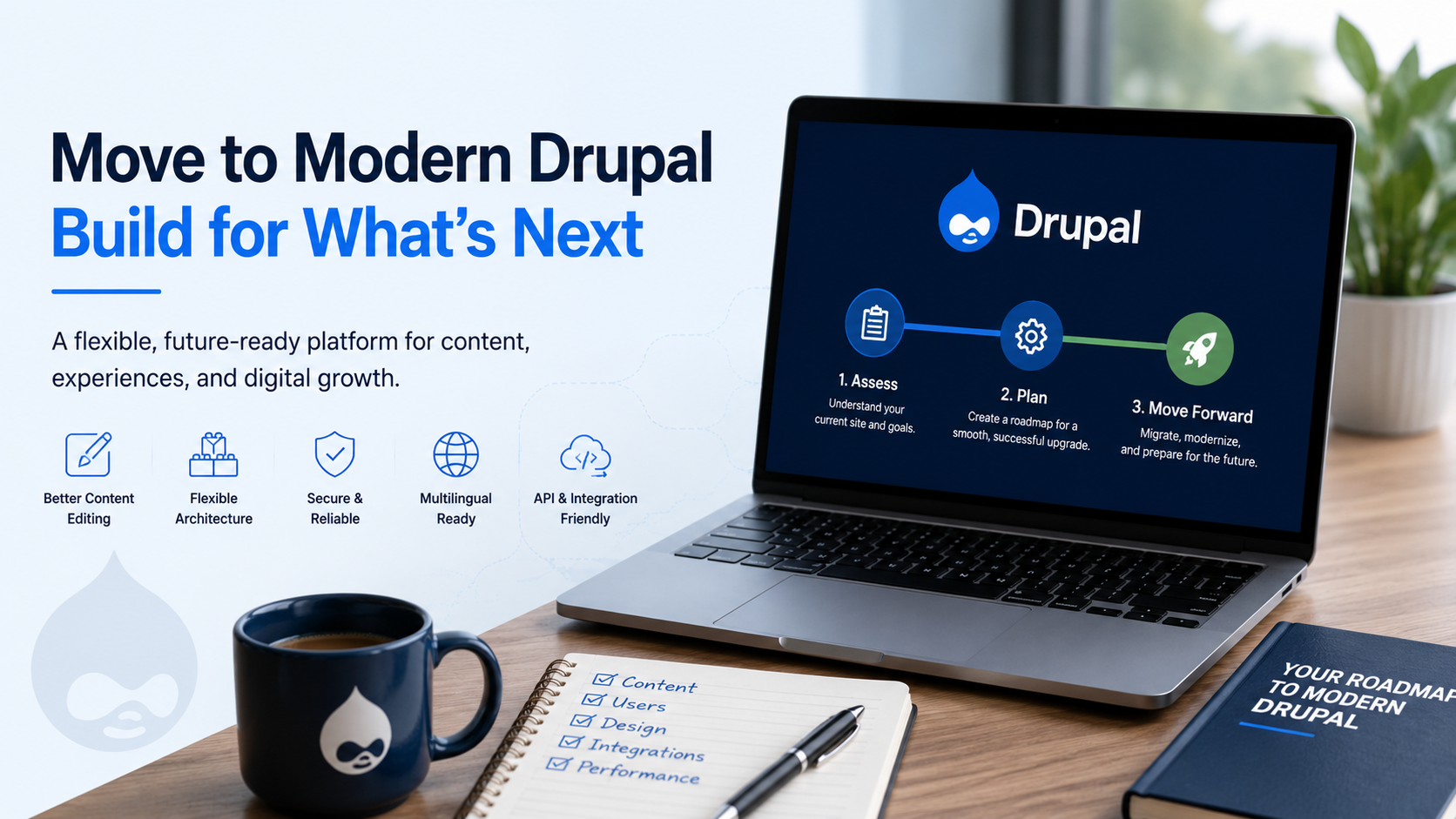
Introduction to Drupal and Modern Drupal Upgrades
Editor’s note: This article was originally written for Drupal 8. The concepts remain relevant to modern Drupal, but some version-specific details have changed.
Drupal is a flexible content management system for building structured, scalable, secure, and highly customized websites. It is used by organizations that need more than a simple brochure site, especially when content needs to be organized, reused, translated, governed, searched, integrated, or delivered across multiple digital channels.
Modern Drupal provides major benefits for content editors, site builders, developers, and website visitors. It supports a better authoring experience, structured content, reusable media, flexible layouts, multilingual tools, editorial workflows, strong permissions, API integrations, and long-term maintainability.
If you are new to Drupal, this demo site highlights many of the features that make Drupal a strong choice for serious website projects. Use the articles in this section to explore Layout Builder, Media Library, Workflows, Workspaces, multilingual tools, structured entities, responsive design, security, performance, and more.
Planning a Drupal Upgrade or Migration
The biggest hesitation we see with Drupal upgrades is cost and effort. That concern is understandable. Older Drupal projects, especially Drupal 6 and Drupal 7 sites, often require a real migration effort rather than a simple one-click update.
A migration usually means building a modern Drupal site, then moving content, media, users, taxonomy, files, redirects, and other important data into the new site. Depending on the age and complexity of the existing site, this can be straightforward or highly customized.
Think of a migration as a planned website move. Instead of simply updating code in place, the project often involves rebuilding or modernizing the site architecture, then migrating content and configuration into the new Drupal environment.
The good news is that modern Drupal gives teams a much stronger foundation going forward. Once a site is on a supported modern Drupal version and is maintained properly, future updates are generally more predictable than the old major-version rebuild cycles many Drupal site owners remember.
Why Move to Modern Drupal?
There are many reasons organizations move from an older Drupal site to modern Drupal:
- Better content editing tools for everyday website updates.
- Stronger media management through Media Library.
- Flexible page building with Layout Builder.
- Structured content models that make content easier to reuse.
- Multilingual tools for translated content and site interfaces.
- Workflows and content moderation for review and approval processes.
- Better support for APIs, integrations, and decoupled experiences.
- Improved long-term security, maintainability, and upgrade planning.
These improvements are not just technical. They can make a real difference for content teams, marketing teams, accessibility programs, developers, and site owners responsible for long-term website maintenance.
Configuration Management Makes Drupal Updates More Reliable
One of modern Drupal’s biggest wins for developers and site owners is configuration management. Instead of manually recreating site-building changes on each environment, Drupal configuration can be exported, reviewed, committed to version control, tested, and imported on another environment.
This matters during upgrades, redesigns, accessibility remediation, and ongoing maintenance. Content types, fields, views, image styles, user roles, text formats, and many other site-building decisions can be managed as configuration instead of being trapped as mystery changes on a live site.
For organizations that care about stability, this makes Drupal much easier to maintain. Developers can review configuration changes before deployment, compare differences between environments, and reduce the risk of production-only changes that are hard to reproduce later.
Upgrade Planning Still Matters
Even though modern Drupal has a better long-term upgrade path, every upgrade still needs planning. A successful project should review the current site architecture, content types, media handling, modules, theme, integrations, accessibility issues, redirects, analytics, and hosting environment.
It is also important to understand that Drupal major-version upgrades need to follow the supported upgrade path. For example, a site cannot simply skip directly from Drupal 9 to Drupal 11; it needs to move through the required major versions in order.
That is why the best time to clean up old architecture is during the planning phase. Removing unused modules, simplifying content types, cleaning up fields, improving accessibility, and modernizing the theme can make the upgraded site easier to maintain for years to come.
Get Started with a Drupal Assessment
If you are considering a Drupal upgrade, migration, redesign, or accessibility cleanup, the first step is an assessment. A good assessment identifies what you have now, what needs to move, what can be retired, and what should be improved in the new version of the site.
Use the button in the header, call us at +1 (800) 930-2701, or email us at [email protected] to start a conversation. If you want to explore Drupal first, request access to this live hands-on Drupal demo site.