Using Drupal Layout Builder to Change Page Layouts Without Custom Code
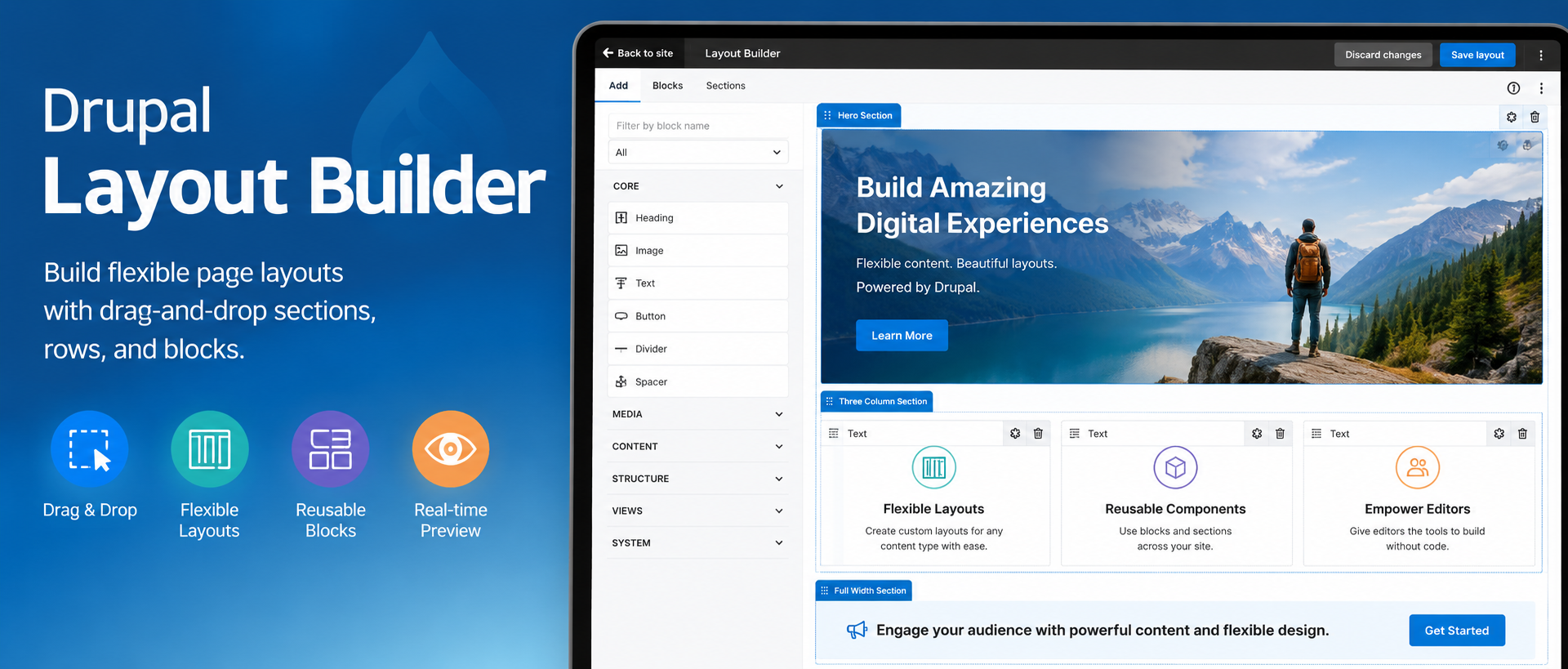
Introduction to Drupal Layout Builder
Editor’s note: This article was originally written for Drupal 8. The concepts remain relevant to modern Drupal, but some version-specific details have changed.
Drupal Layout Builder gives editors and site builders a visual way to arrange page sections, blocks, fields, and content. It can be configured for an entire content type or enabled for individual page overrides, depending on how much layout flexibility a site needs.
Layout Builder can reduce the need to involve a developer every time a new page structure is needed. When configured properly, editors can create flexible layouts, add sections, place blocks, and adjust page structure through the Drupal interface.
Layout Builder works well for both structured template-backed content and more flexible landing pages or one-off pages. It can also be used with different Drupal entity types, depending on how the site has been configured.
Test-drive this Feature on this Demo Site
Layouts for Template-Backed Pages
Webdrips generally recommends that similar pages within a section of your website share a consistent layout and design. For example, blog posts usually have a hero image, title, date, body, and related content. On an ecommerce site, products in the same category should have a consistent structure so the shopping experience is easier to understand and products are easier to compare.
Drupal has traditionally handled this type of consistency through templates and structured fields. Templates help ensure that media, text, calls to action, and related content follow the intent of the design.
Layout Builder adds a visual layer to that process. Site builders can create layout templates for content types, while still preserving consistency across similar pages.
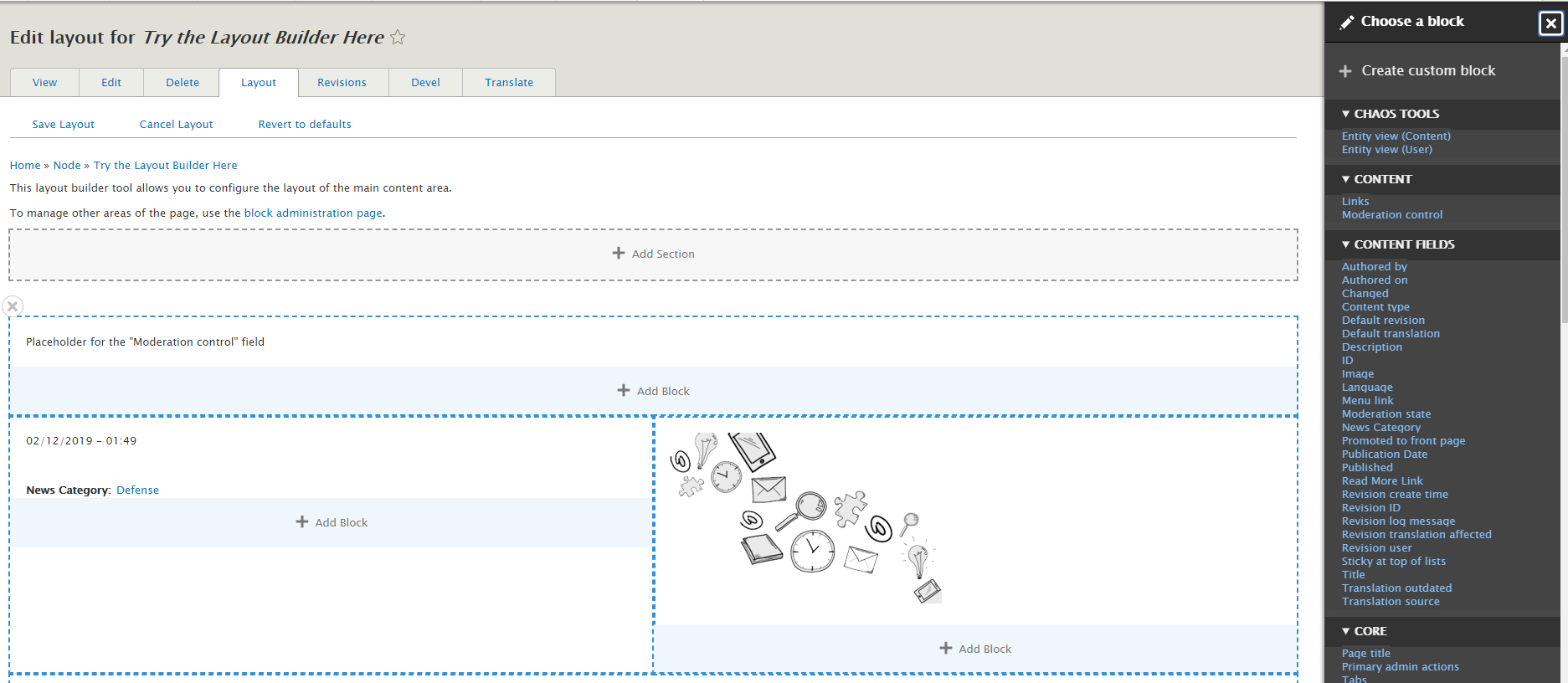
Reusable Blocks Make Layouts More Powerful
Layout Builder becomes even more useful when combined with reusable blocks. A site builder can create blocks for calls to action, promotional messages, related content, contact information, alerts, or other repeatable content patterns.
Editors can then place those blocks in approved layout regions without recreating the same content over and over. This helps keep pages flexible while still supporting design consistency and easier long-term maintenance.
With the right permissions, a site builder can use Layout Builder to add and edit page layouts in the browser. This makes it possible to support flexible designs without creating a custom template for every layout variation.
Overriding Template-Backed Pages
This is where Layout Builder becomes especially useful: a site can allow layout overrides for individual pages when needed.
For example, suppose you have a video testimonial for a particular product created by an enthusiastic client. Rather than creating a special field that will usually be empty, a site builder could add a block and override the layout of that specific product page to highlight the video.
Once the video is no longer relevant, the override can be removed, and the product page can return to the standard layout used by the rest of the product section.
Layouts for Custom or One-Off Pages
Many websites need one-off pages such as landing pages, campaign pages, About pages, or Contact pages. In the past, these pages often required contributed modules or custom template work. Layout Builder can make those pages easier to assemble through Drupal’s interface.
Content authors or site builders can start with an empty layout, add sections, and place the content blocks they need. Those blocks can include text, images, videos, maps, views, calls to action, or other elements the website has been configured to support.
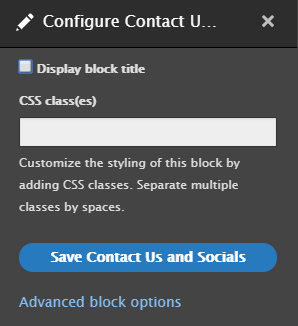
For example, an image block may provide settings to align the image, include a caption, and manage image metadata such as alternative text.
A Drupal expert or agency may still be needed to configure the site, define available layouts, choose allowed blocks, and make sure the design remains accessible and consistent.
Transitioning from Older Layout Methods to Layout Builder
Layout Builder may not be ideal for every situation. Large organizations with strict governance workflows may still need tighter controls around what editors can change. A flexible layout tool can be powerful, but it should be configured carefully so content creators do not accidentally break design consistency or accessibility requirements.
For teams that previously relied on custom templates or older layout-building approaches, Layout Builder can provide a cleaner editorial experience. The best approach depends on the site’s content model, governance requirements, theme architecture, and long-term maintenance plan.
If your website already uses tools such as Paragraphs, Panels, or Panelizer, the transition should be planned carefully. Layout Builder may replace some use cases, while other patterns may still be better handled through structured fields or reusable components.
Conclusion
Drupal Layout Builder gives editors and site builders a visual way to create and adjust page layouts. It can support reusable layouts for content types, individual page overrides, and custom landing pages.
When configured thoughtfully, Layout Builder can reduce the need for custom template work while still giving teams control over layout, structure, and design consistency.