Using Drupal Workspaces to Review and Publish Groups of Content Changes
Introducing Drupal Workspaces
Editor’s note: This article was originally written for Drupal 8. The concepts remain relevant to modern Drupal, but some version-specific details have changed.
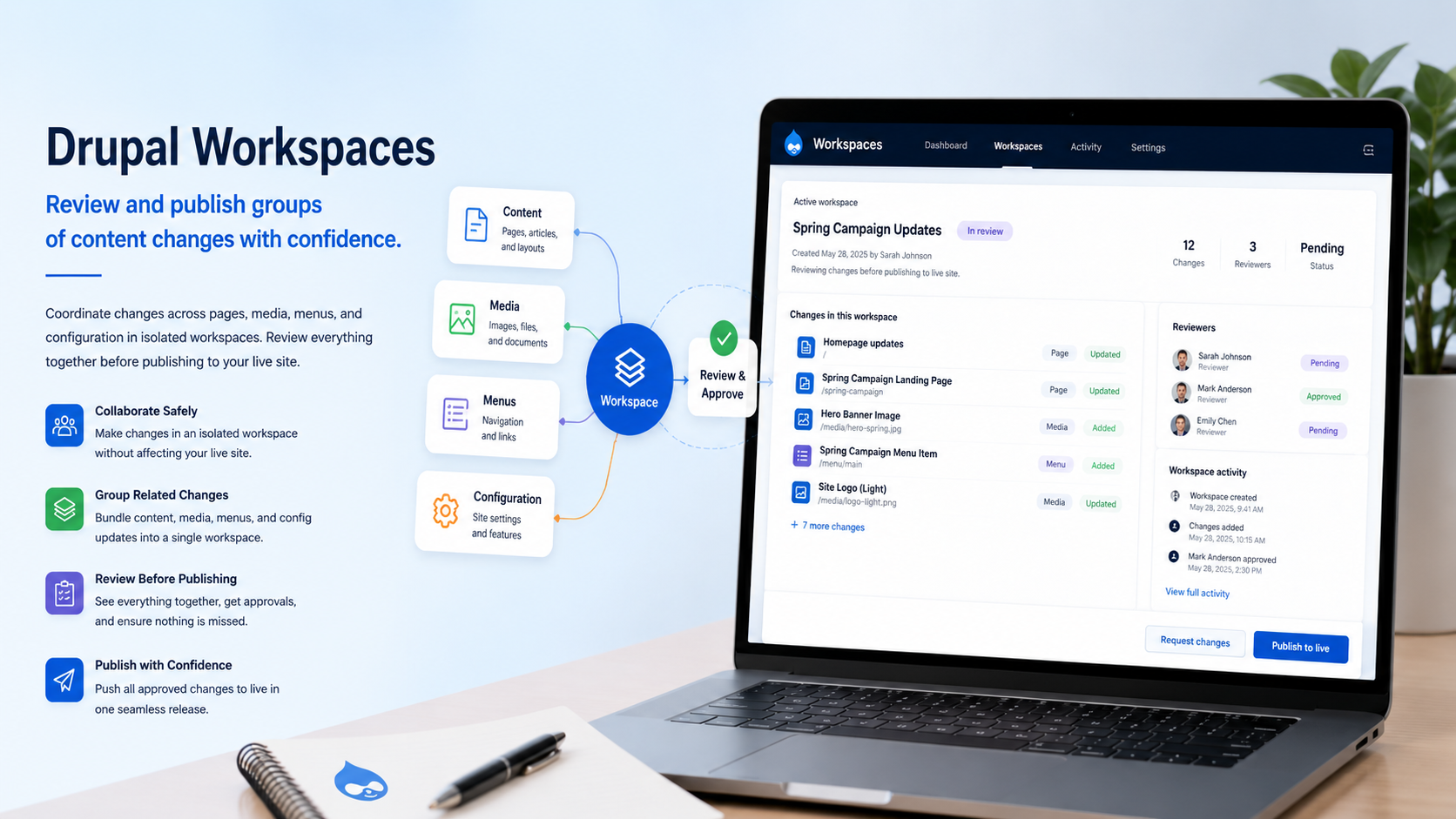
Drupal Workspaces provide a way to prepare and review a group of related content changes before making them available to the public. Instead of publishing one page at a time, editors can work in a separate workspace, preview the changes together, and then publish the full set when it is ready.
This is useful for campaigns, events, launches, seasonal updates, or any situation where multiple pieces of content need to be reviewed together. For example, a new event might include an event announcement, a preview article, a registration form, and supporting updates across the site. With Workspaces, those related changes can be prepared as a group before they are deployed to the live site.
Workspaces can reduce the need for awkward production-site staging workarounds. Editors can prepare content in a workspace, review it in context, and deploy it when the content set is ready for public use.
Workspaces Compared to Workflows
We also cover Drupal Workflows and Content Moderation, so it is helpful to understand the difference between Workspaces and Workflows.
The names sound similar, but the modules solve different editorial problems. Workflows, when used with Content Moderation, help define states and transitions for individual pieces of content. Workspaces help teams prepare and publish a group of related content changes together.
In brief:
- Workflows and Content Moderation are useful when an individual page, block, or media item needs to move through states such as draft, review, and published.
- Workspaces are useful when a group of related content changes needs to be prepared, reviewed, and published together.
For example, Workflows are a good fit when a university event page must be reviewed by a department, facilities team, and legal team before publication. Workspaces are a good fit when that same event launch includes several related pages or updates that should go live at the same time.
Drupal Workspaces Example
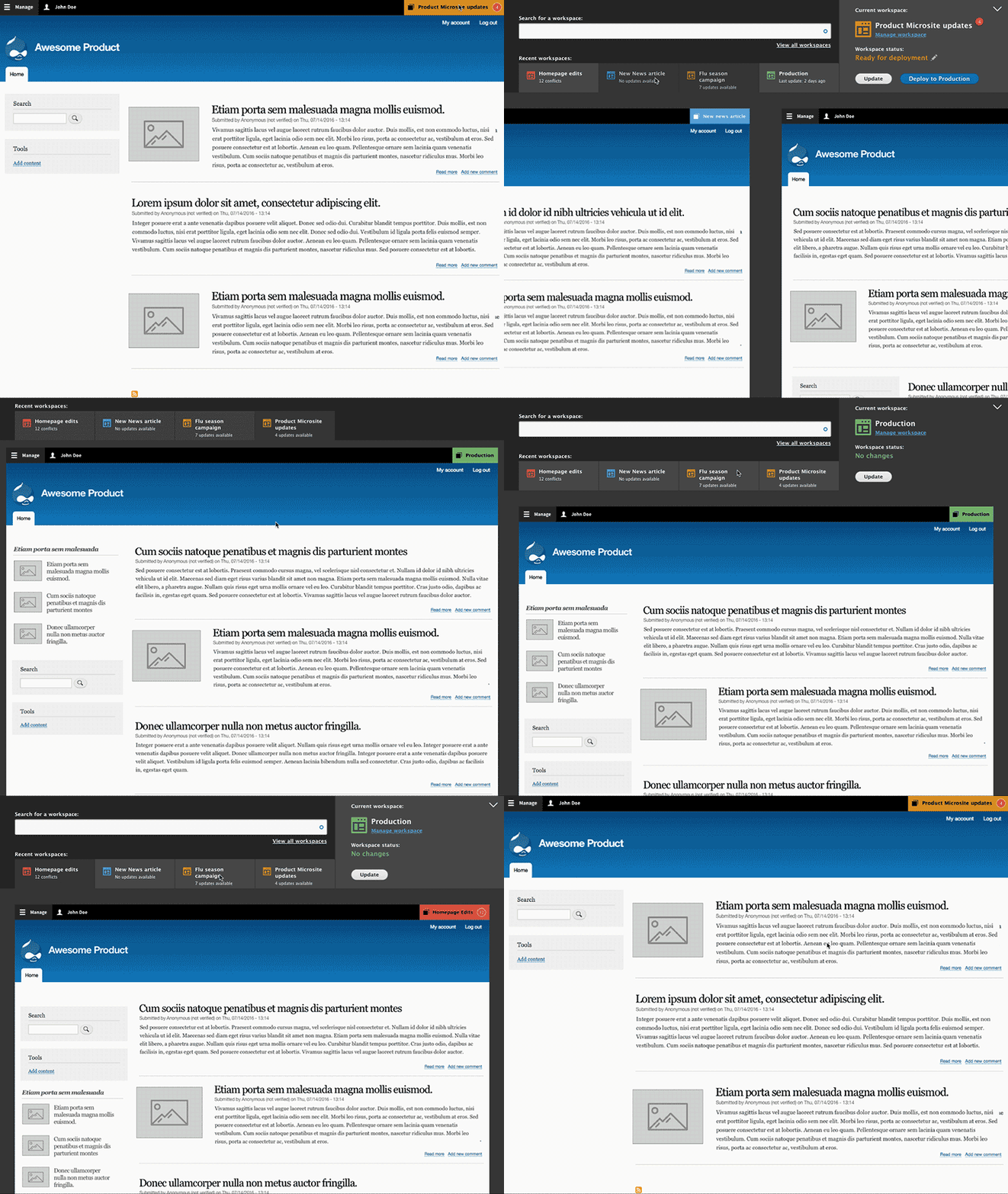
After enabling the Workspaces module, users with the right permissions can switch between available workspaces from the administration interface. The active workspace determines which version of the content they are viewing and editing.

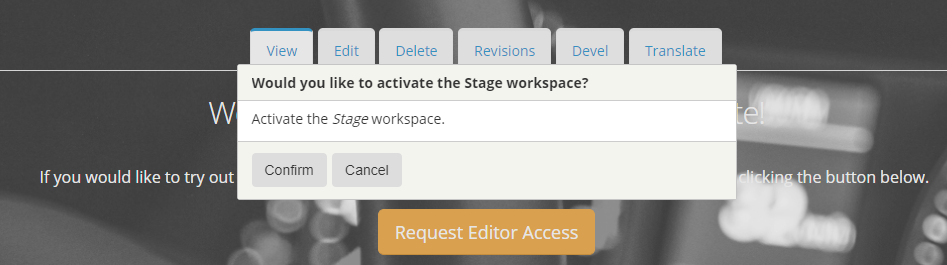
Upon selecting the Stage workspace, the user is prompted to activate that workspace. The active workspace is the version of the site currently being viewed and edited.
Once you switch to a workspace, you can create or update content inside that workspace. Those changes remain separate from the live site until they are deployed.
This makes Workspaces especially useful when several related edits need to be reviewed together. A team can prepare the content, preview the changes, make revisions, and deploy the finished set when it is ready.
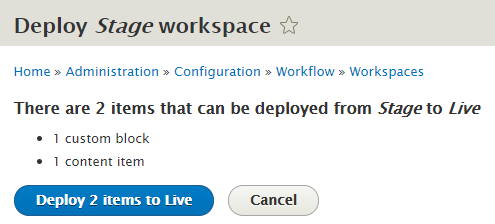
Once the new content set is ready for public use, click the Deploy content button in the Workspaces interface.
The deployment screen shows a summary of the items that will be deployed to the live workspace.
After deployment, the content becomes available on the live site. You can then switch back to the live workspace to confirm that the changes are visible to site visitors.
Conclusion
Drupal Workspaces provide a practical way to prepare and review groups of related content changes before publishing them live. For campaigns, events, launches, and larger editorial updates, Workspaces can give teams more control over when a full set of changes becomes public.
Workspaces are different from Workflows and Content Moderation. Workflows help move individual content items through review states, while Workspaces help stage and publish groups of related changes together.