Why Now Is the Right Time to Move to Modern Drupal
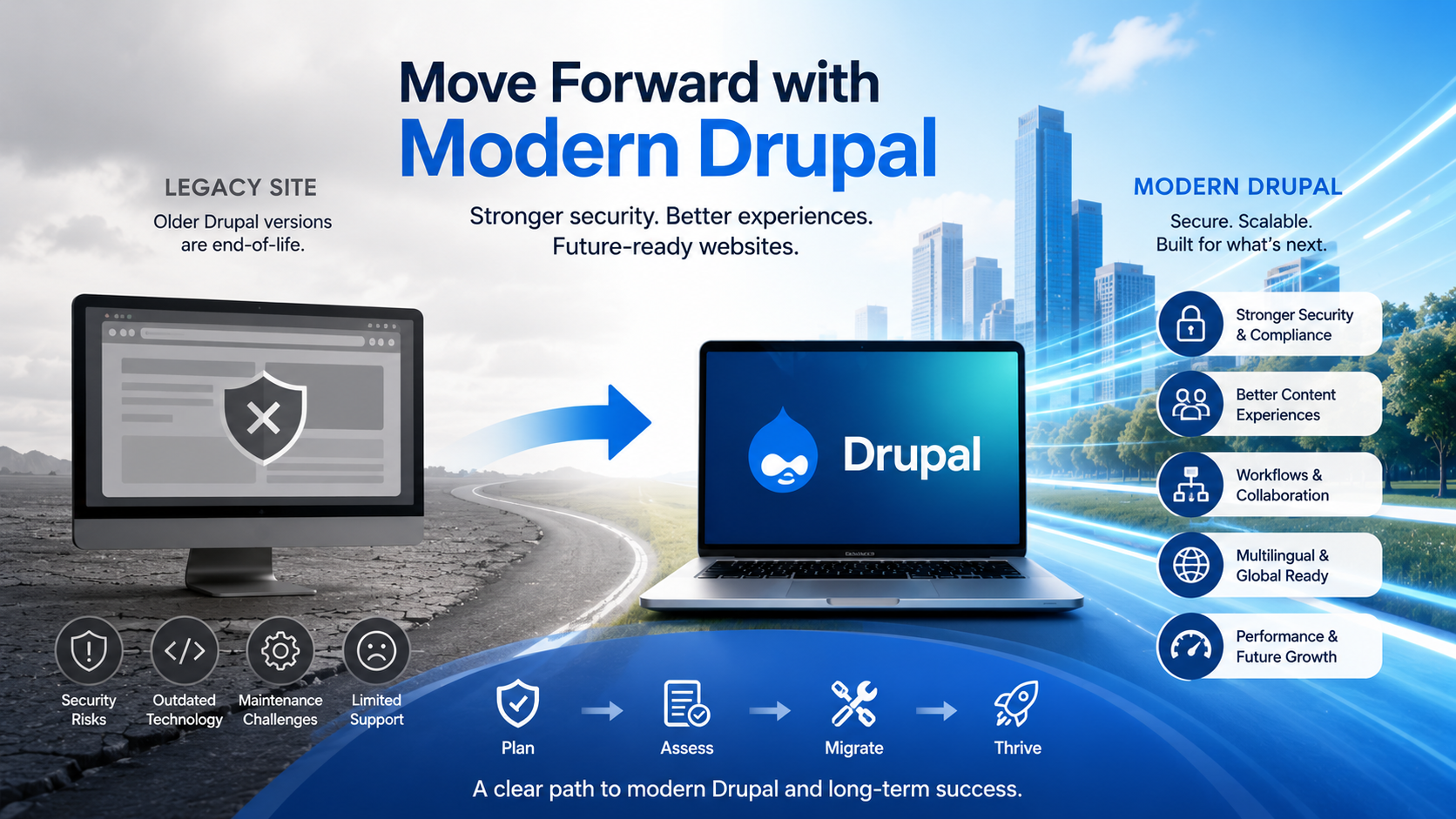
If your website is running an older or unsupported version of Drupal, now is the right time to start planning a move to modern Drupal. Drupal 7 reached end-of-life on January 5, 2025 and is no longer community supported on Drupal.org, which means new releases of Drupal 7 core and contributed projects no longer happen through the official Drupal.org community process.
Drupal 8 and Drupal 9 are also end-of-life, so organizations still running Drupal 9 or older need a realistic plan for security, maintenance, accessibility, and long-term support. Many Drupal 7 and older sites are still live, but the longer they remain on unsupported versions, the harder they can become to maintain safely.
The good news is that modern Drupal provides a much stronger foundation than older versions. It includes better content editing tools, stronger media management, flexible layouts, structured content, workflow options, multilingual capabilities, improved security practices, and a more predictable upgrade path going forward.
That does not mean every upgrade is simple. A complex Drupal 6, 7, 8, or 9 site may still require a careful migration or step-by-step upgrade process. This is why it is important to assess your current site before estimating cost, timeline, or technical approach.
Why Move to Modern Drupal Now?
Older Drupal sites often have years of accumulated content, contributed modules, custom code, theme overrides, integrations, redirects, media files, and editorial workflows. Waiting too long to modernize can make the project harder, especially when outdated modules, unsupported PHP versions, or legacy hosting environments are involved.
Moving to modern Drupal gives your organization the opportunity to clean up old architecture, improve the authoring experience, review accessibility issues, simplify content types, remove unused modules, and rebuild around today’s business needs.
It is also a good time to review whether your site still supports your current goals. The project does not need to be just a technical upgrade. It can also be a chance to improve content governance, search engine optimization, performance, accessibility, design consistency, and long-term maintainability.
Modern Drupal Provides a Better Foundation
Modern Drupal includes major improvements that benefit editors, site builders, developers, and website visitors. Some of the most important improvements include:
- Better content editing and authoring tools.
- Media Library for managing reusable images, documents, videos, and other assets.
- Layout Builder for creating flexible page layouts.
- Workflows and Content Moderation for review and approval processes.
- Workspaces for staging and publishing groups of related content changes.
- Multilingual tools for translated content, interface text, and configuration.
- Structured content, entities, fields, taxonomy, and reusable components.
- API-friendly architecture for integrations, decoupled front ends, and future digital channels.
- Stronger support for security, performance, accessibility, and long-term maintenance.
These features are not just technical improvements. They can make everyday website management easier for the people responsible for creating, reviewing, publishing, and maintaining content.
Why Not Wait?
Waiting usually does not make an outdated website easier to upgrade. Over time, unsupported modules become harder to replace, old hosting environments become harder to maintain, and technical debt becomes more expensive to unwind.
If your current site is already on an unsupported Drupal version, the risk is no longer hypothetical. Unsupported versions do not receive the same community support, security coverage, or update ecosystem that supported versions receive.
Planning now gives you more control. Instead of rushing through an emergency rebuild, your organization can assess the site, choose the right migration path, prioritize must-have features, review content quality, and build a roadmap that makes sense.
Upgrade or Migration: What Should You Expect?
The right approach depends on your current Drupal version, site complexity, hosting environment, custom code, contributed modules, content model, media library, theme, integrations, and business requirements.
A relatively clean modern Drupal site may follow a step-by-step major-version upgrade path. An older Drupal 6 or Drupal 7 site usually requires a migration into a new modern Drupal build. Some Drupal 8 or Drupal 9 sites may also need careful upgrade planning depending on their codebase and module status.
Think of a migration as a planned website move. Instead of simply updating code in place, the project often involves rebuilding or modernizing the site architecture, then migrating content, media, users, taxonomy, redirects, and other important data into the new Drupal environment.
The assessment phase should identify what can be upgraded, what needs to be replaced, what should be retired, and what should be improved before the new site launches.
Get Started with a Drupal Assessment
A Drupal assessment helps answer the most important questions before the project begins: What version are you on now? Which modules are still supported? How complex is the content model? What integrations exist? What accessibility issues need attention? What should be migrated, rebuilt, archived, or removed?
Use the button in the header, call us at +1 (800) 930-2701, or email us at [email protected] to get started with an assessment. If you want to explore Drupal first, request access to this live hands-on Drupal demo site.